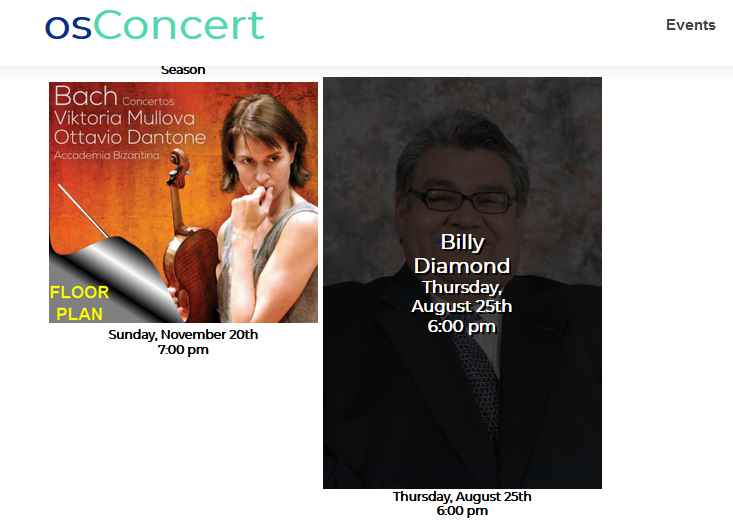
How to create a General Admission Event in version 9.5?
There have been some slight changes in the latest versions but setting up a General Admission event is much the same as before.
You create a category and create products with a quantity. For Concessions you must create your concession products and set a Master Quantity for the residing category.
Admin>Products>New Category
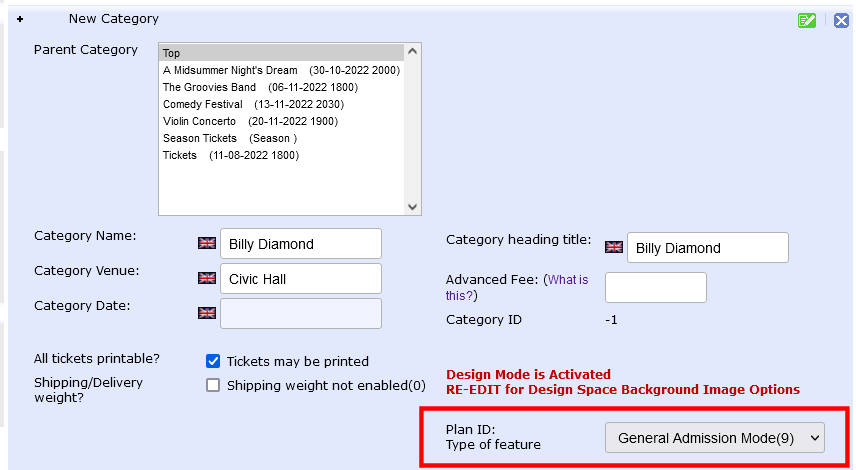
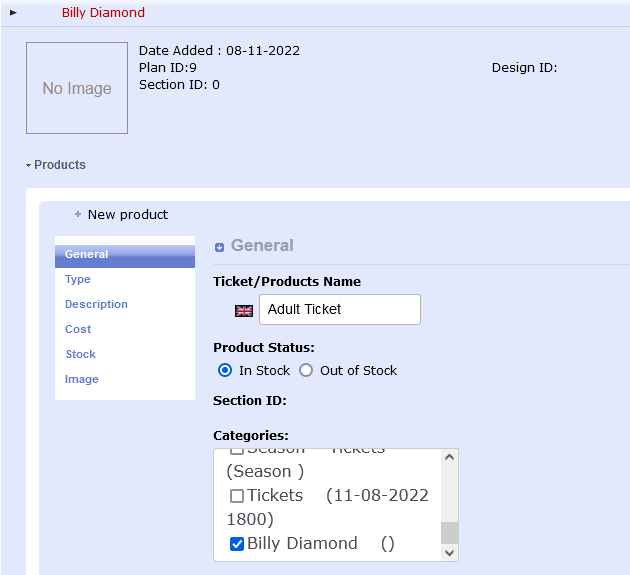
New Product> write the Name ...e.g. Adult Ticket
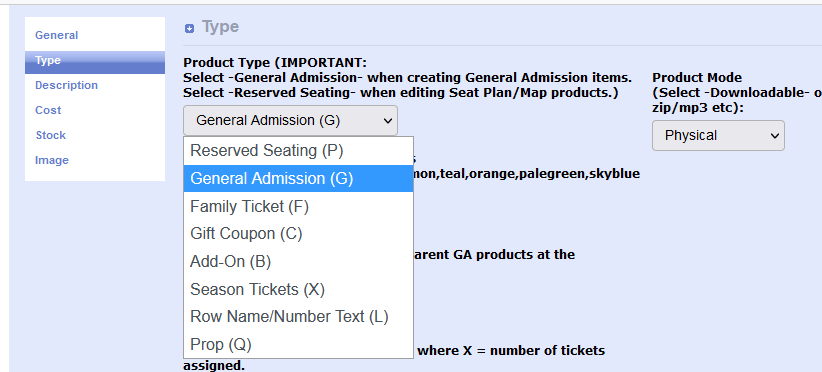
TYPE tab IMPORTANT: choose General Admission from the drop down menu
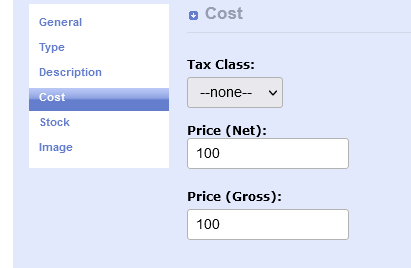
COST tab Insert the price of the ticket
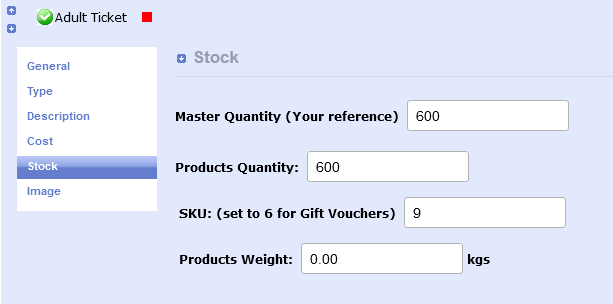
STOCK tab inert the Quantity of tickets
SKU should always be 9 for General Admission
SAVE and Exit by clicking the GREEN SAVE button 
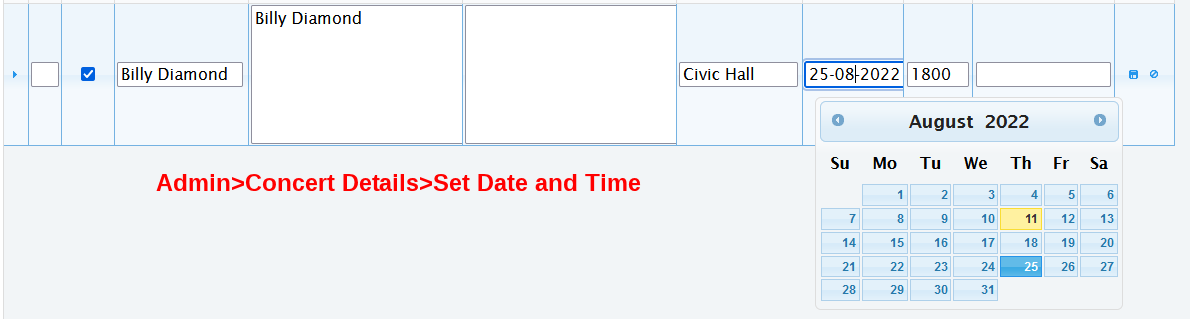
Now go to Admin>Concert Details to set Date and Time
For a complete FAQ guide about setting Concert Details
How do I correctly set Date and Time in version 9.5?
go here
That just about sets the basics for a General Admission Event
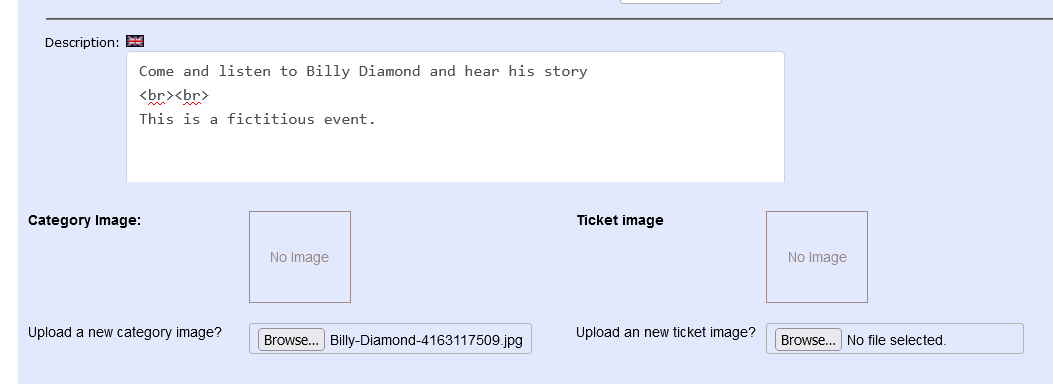
Now go back and upload an appropriate image for you event Admin>Products>Edit
Go to the Front End and check everything is as you like it.