
How can I set up a TAX for a specific ‘Country’ like UK and VAT?
At DEFAULT we have 3 GEO ZONES as USA, World Zones, and Australia World Zones incorporates all the countries of the world outside of the USA and Australia.
However for a more focused exposure in your own country e.g. UK
We can create a new Geo Zone as UK (United Kingdom) especially for the purposes of setting a new Tax like VAT which is unique to that zone and not to all World Zones.
- Go to Admin>Payment>Tax>Zones and create a New Zone as UK – United Kingdom
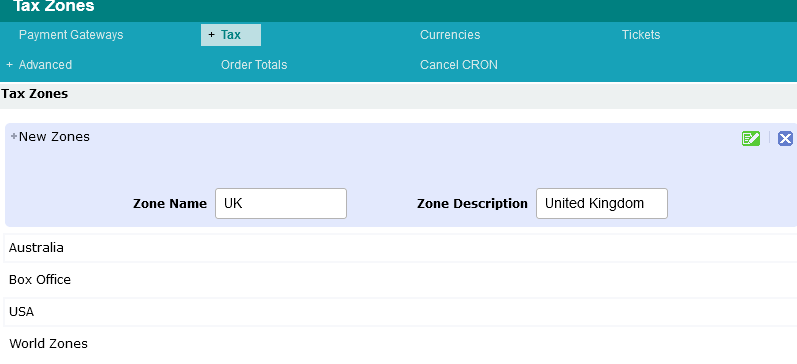
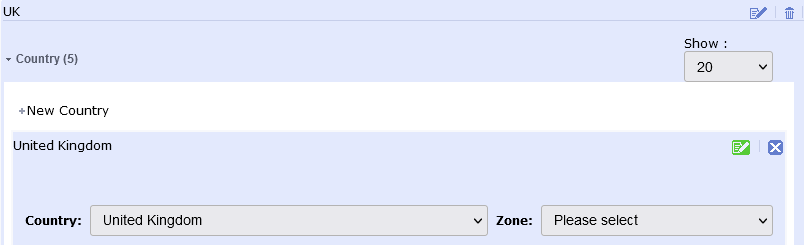
Further Edit this listing to select 'country'
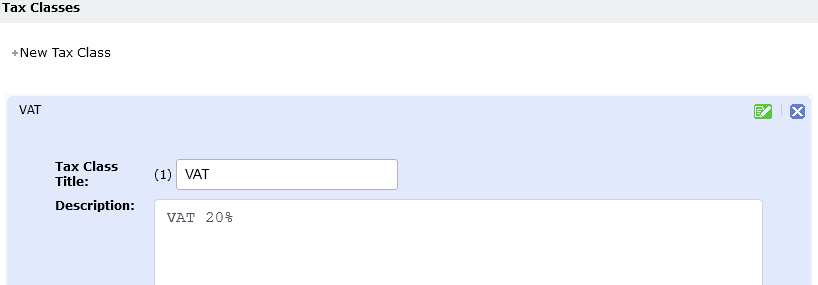
2. Next you should create the TAX that you require, in this example VAT at 20%
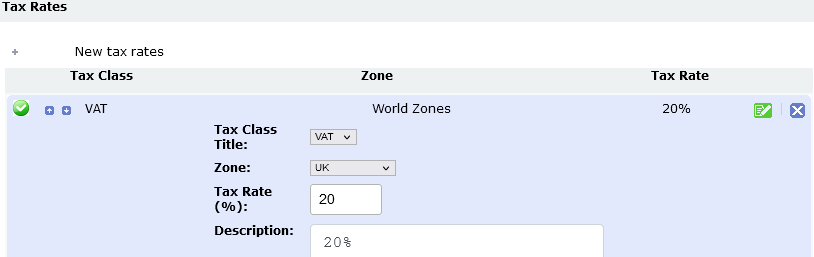
3. Create the Tax Rate Admin>Payment>Tax>Rates
And select the new zone = UK
Now we can also go back to our Admin>Payments and select UK for a payment zones if required.